
How it works
From a car somewhere else to a tool on your bench.
At the car
One lead, and nothing to learn.
- 1
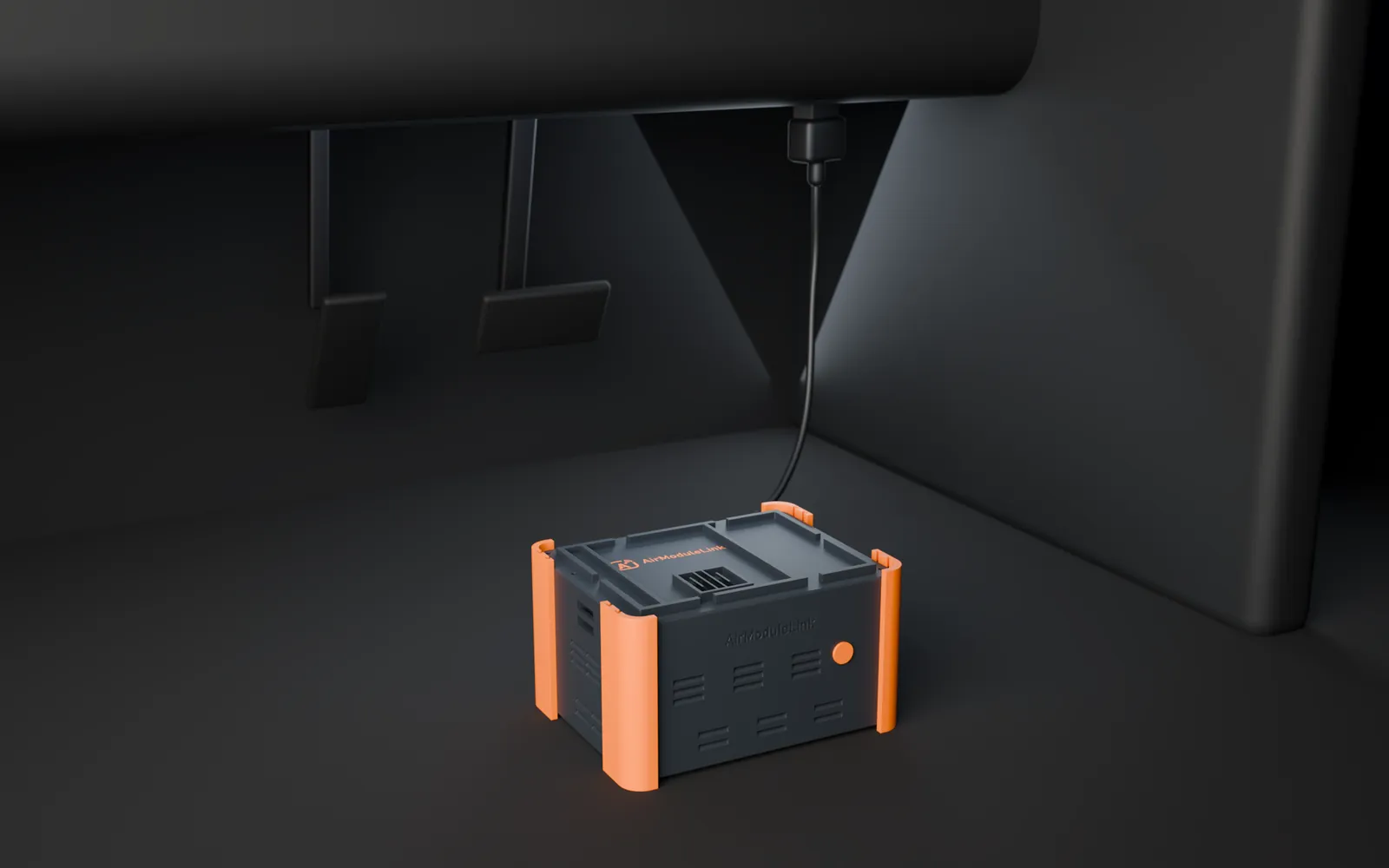
Plug the box into the car
Push the box's lead into the OBD-II port under the dashboard. That lead is the only thing that connects to the car.
- 2
Get the box online
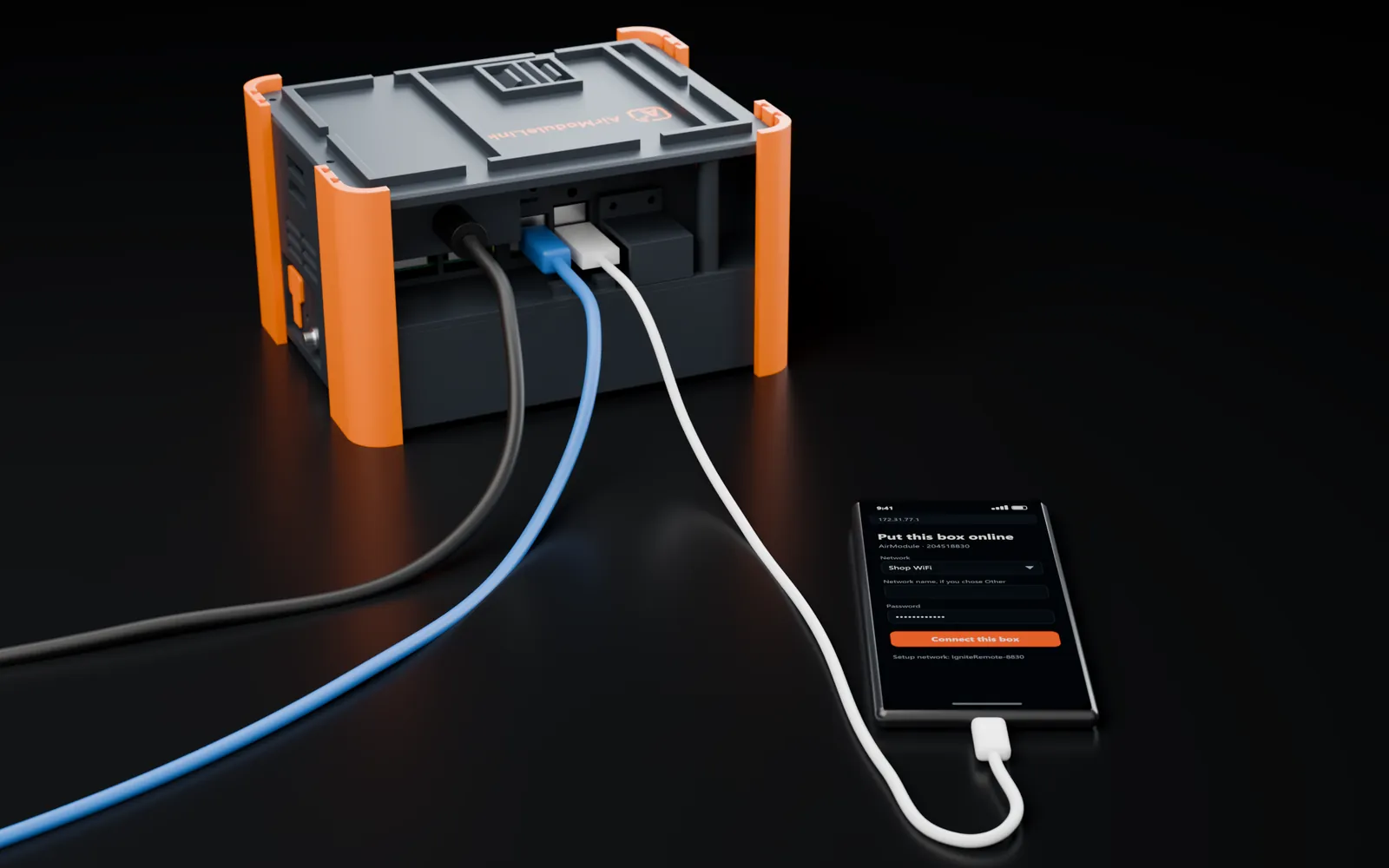
Join the box's own Wi-Fi from a phone and share the internet with it, plug the phone into the box with its data cable, or plug in a network cable. The box takes whichever is there and is online in about a minute.
Getting it online
Three ways. The box picks the best one by itself.
Product render
- No cables
AShare Wi-Fi from a phone
- 1On a phone, join the Wi-Fi named IgniteRemote and four characters. Its name and password come with the box.
- 2A page opens by itself. Pick the Wi-Fi the box should use, or enter the phone's own hotspot, and type that network's password.
- 3Press Connect this box. If you chose the phone's hotspot, switch it on now.
The box raises this setup network by itself when nothing is plugged in, and remembers a network that worked.
Proven on the bench - Fewest steps
BPlug a phone into it
- 1Plug the phone into the box's USB port with its normal data cable.
- 2Turn on USB tethering on Android. On an iPhone, tap Trust, then turn on Personal Hotspot.
Nothing is typed anywhere, and the phone charges while it shares.
Proven on the bench - Steadiest link
CPlug in a network cable
- 1Run a cable from a router or a wall socket to the box.
A cable always wins over the other two. This is the one to use for a long session.
Proven on the bench
Whichever one is there, the box takes it by itself and shows up in your technician's console within about a minute.
For your customer
The whole instruction fits in one text message.
- 1. Find the port under the dashboard, near your knees, and push the lead in until it clicks.
- 2. Plug your phone into the box and turn on Personal Hotspot. On Android it is called USB tethering.
- 3. Text me when it is in. Leave it plugged in until I say it is done.
At your shop
Pick the box, press Start.
Once
Enrol the box
A setup code ties the box to your organisation. After that it is yours and only you can see it.
Each job
Pick it and press Start
A box is enrolled once with a setup code. After that the technician picks it from a list and presses Start: no addresses, ports or tokens at either end.
Proven on the benchThen
Work as you always do
Plug your key programmer or scan tool into the dock, or open the OEM software on your computer. The car is on the other end.
During the job
What the link does while you work.
Link check before a write
Proven in daily useThe link is measured before a programming sequence may start. A link that cannot be measured, or measures badly, is refused with the reason in plain words.
Bus health in plain words
Proven on the benchThe box recovers from bus-off by itself and tells the technician what the bus is doing, naming the likely cause.
Encrypted link, short-lived job authority
Proven in daily useTraffic between the box and your dock is encrypted, and a job is a lease the server grants for that job only, never a standing permission.
Launching mid-December 2026
Put your bench in a car that is somewhere else.
Reserve a box from the first batch today for $99, refundable until it ships. Or join the list and get the introductory price before it is public.